ErgoShopping Hong Kong

Healthcare Technology

ERGO Technology Centre

Healthcare Technology: Connected Workflows for Clinical Environments

Explore medical workstations, device charging, RFID inventory, smart storage and ergonomic display systems for healthcare.

This guide explains how hospitals, clinics, laboratories and care facilities can select technology infrastructure around clinical workflows, mobility, accountability and device readiness.

Healthcare technology solutions including medical carts smart storage and charging
Technology around the clinical workflow. Select workstations, charging, storage and tracking according to the environment, users and operational process.
+

What Is Healthcare Technology Infrastructure?

Healthcare technology infrastructure brings computing, secure storage, charging, tracking and controlled access closer to clinical workflows. It includes mobile medical workstations, charging cabinets, RFID smart cabinets, medication storage, device lockers and monitor mounting systems designed around the needs of hospitals and care environments.

Technology Categories

Core Healthcare Technology Systems

01

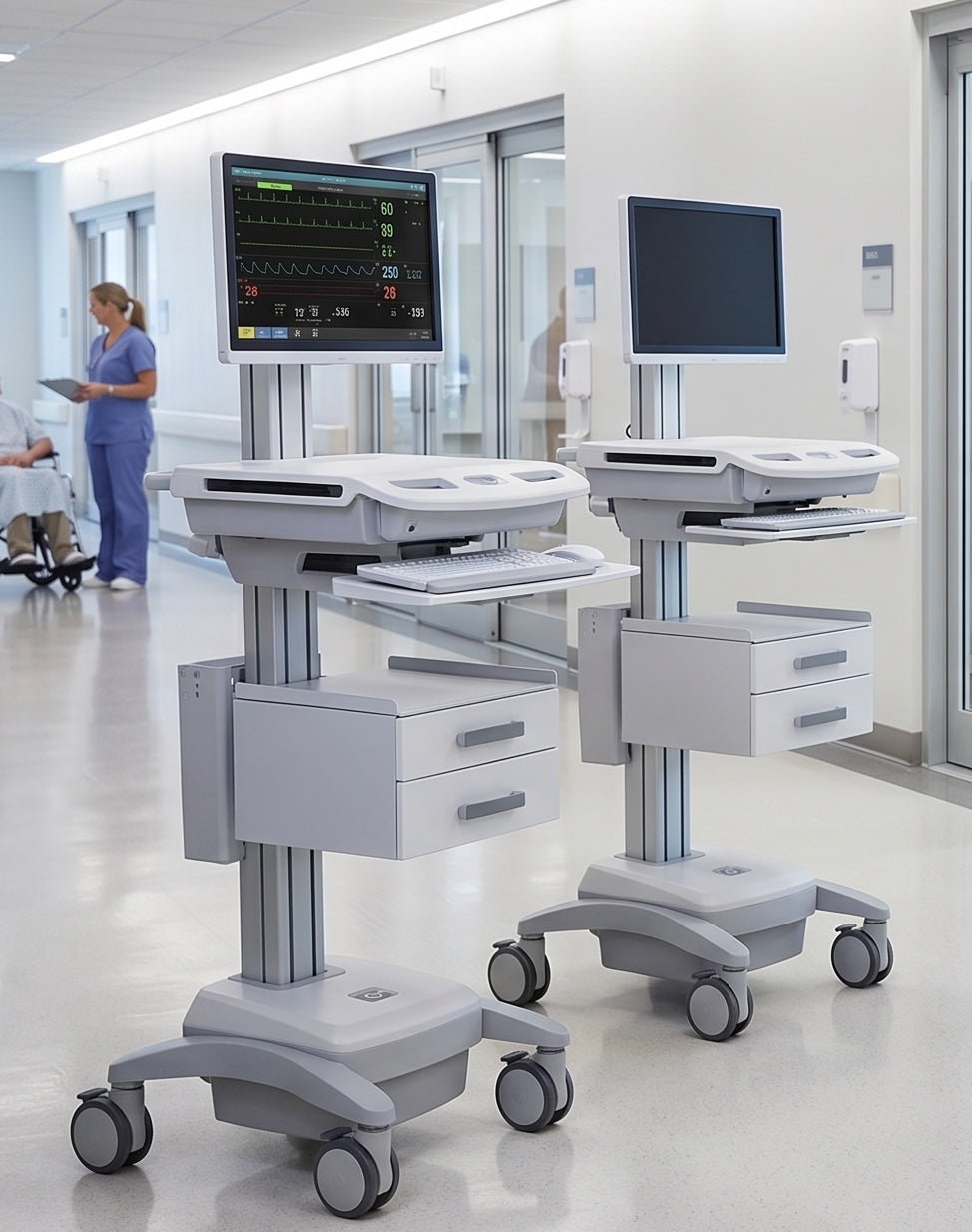
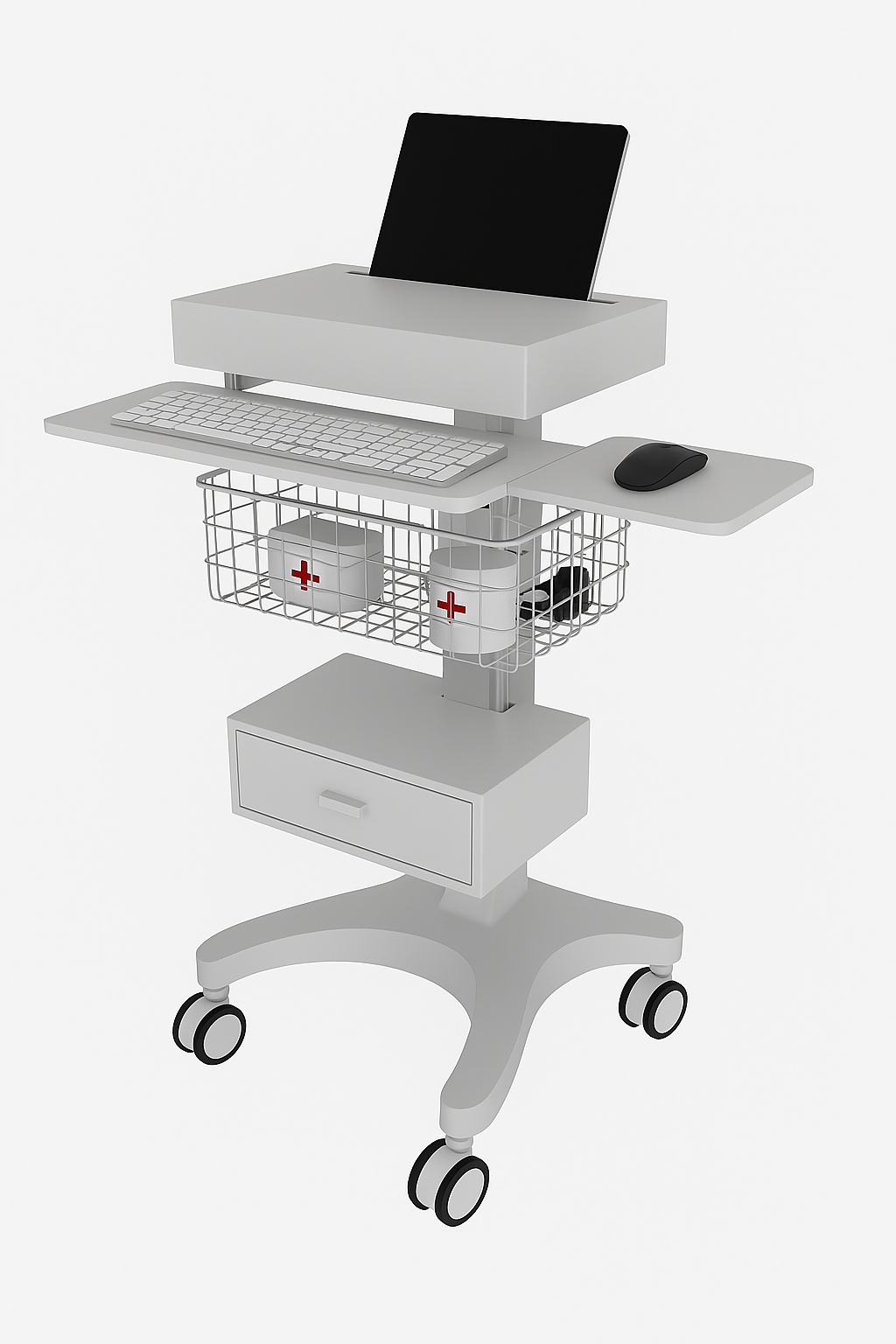
Medical Workstations

Mobile carts for documentation, telemedicine, point-of-care computing and clinical workflows.

02

Charging Systems

Secure charging for tablets, laptops, scanners and shared clinical devices.

03

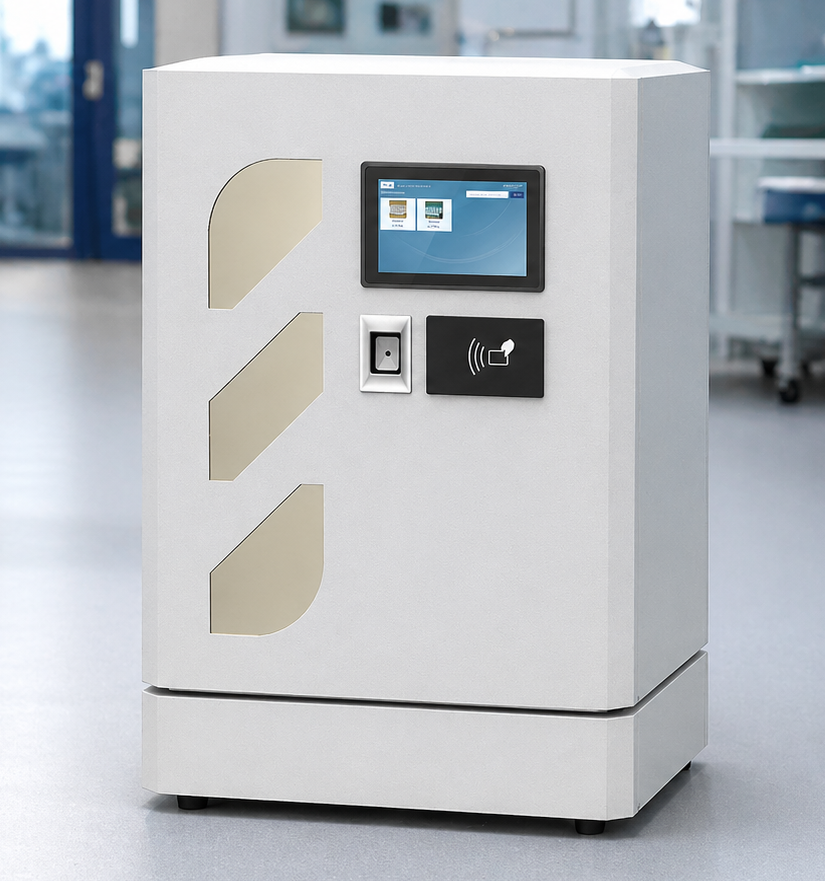
RFID Smart Cabinets

Real-time inventory visibility and controlled access for medical supplies and valuable stock.

04

Medication Storage

Accountable access and structured storage for medicines and clinical consumables.

05

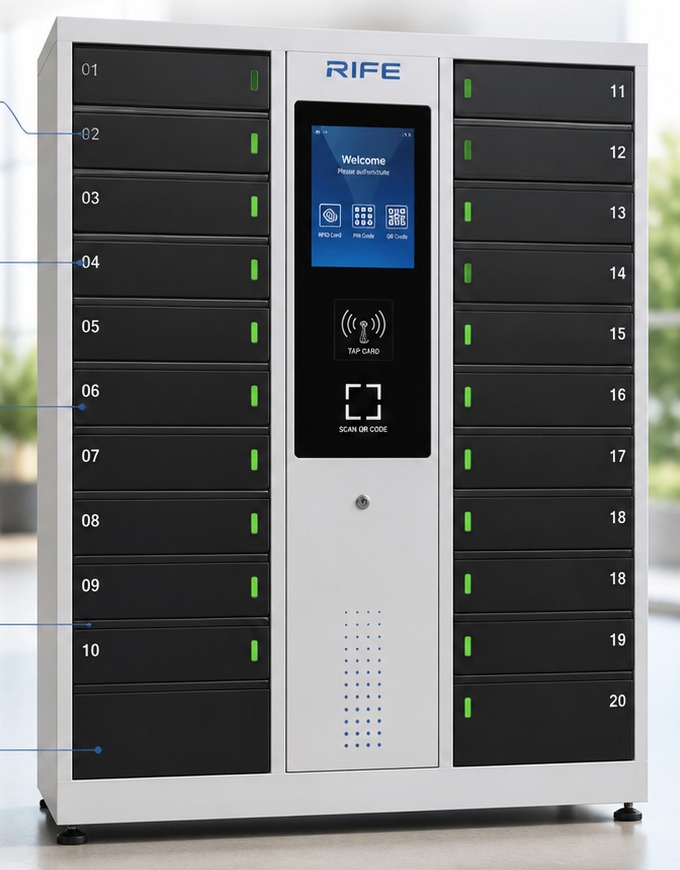
Smart Lockers

Secure issue and return of shared devices, equipment and staff assets.

06

Clinical Monitor Mounts

Space-efficient display positioning for carts, treatment spaces and shared clinical areas.

Planning Process

How to Plan a Healthcare Technology Project

1

Define the Workflow

Identify the clinical task, users and operational environment.

2

Map the Equipment

List devices, accessories, medicines, stock and required storage.

3

Assess the Environment

Review cleaning, mobility, space, power and access conditions.

4

Select Control

Choose suitable access, charging, tracking and reporting.

5

Validate the Workflow

Confirm ergonomics, installation, maintenance and daily operation.

Clinical Environment

Healthcare-Specific Design Considerations

  • Cleanable surfaces and equipment construction
  • Clinical device size, weight and mounting
  • Mobility, stability and caster selection
  • Power, charging and battery requirements
  • Storage capacity and controlled access
  • Cable management and accessory integration
  • Workflow, user groups and reporting needs
Connected Systems

Software, Access and Tracking

  • RFID, PIN, QR or approved credential access
  • Smart locker issue-and-return records
  • RFID inventory and low-stock visibility
  • Asset, user and transaction reporting
  • Compatible API or hospital-system integration
  • Cloud or on-premise deployment options where supported
  • Multi-location administration
Clinical Applications

Where Healthcare Technology Is Used

01

Hospitals

Mobile computing, secure charging, smart storage and inventory control.

02

Clinics

Compact workstations, telemedicine and organised device storage.

03

Emergency Departments

Fast access to devices, supplies and mobile documentation systems.

04

Operating Areas

Structured equipment, monitor positioning and controlled clinical storage.

05

Pharmacies

Medication access, inventory visibility and accountable stock control.

06

Laboratories

Secure reagent, sample, instrument and consumable management.

07

Imaging Departments

Mobile computing, display support and device organisation.

08

Telemedicine

Mobile video, computing and connected-care equipment platforms.

09

Care Facilities

Shared-device charging, mobile documentation and secure storage.

Operational Benefits

Why Healthcare Organisations Use Connected Technology

Mobility

Bring computing and equipment closer to the point of care.

Device Readiness

Keep shared clinical devices organised and charged.

Inventory Visibility

Know current stock and item availability.

Controlled Access

Restrict sensitive supplies and equipment to authorised users.

Efficiency

Reduce unnecessary movement and searching.

Accountability

Record users, items, lockers and transactions.

Ergonomics

Improve screen, device and work-surface positioning.

Standardisation

Create repeatable technology workflows across departments.

Practical Comparison

Fixed Equipment vs Mobile and Intelligent Systems

Consideration Traditional or Fixed Approach Mobile or Intelligent Healthcare Approach
Computing Fixed desk or room-based workstation Mobile point-of-care workstation
Device storage Open shelves or scattered storage Secured charging cabinet or locker
Inventory Periodic manual counting RFID or intelligent inventory visibility
Access Shared keys or open storage Digital controlled access
Transaction records Manual logs Automatic audit trails where supported
Workflow reach Users travel to equipment Technology moves closer to users and patients
Frequently Asked Questions

Healthcare Technology FAQ

What is a medical workstation on wheels?

It is a mobile platform that carries computing, accessories and storage closer to clinical workflows.

Why use charging infrastructure in hospitals?

Shared devices must remain organised, secure and ready for clinical use.

How does an RFID cabinet help healthcare inventory?

It can identify tagged inventory and record authorised access and item movement.

Are smart lockers useful in healthcare?

They can manage shared devices, staff storage, equipment and controlled issue-and-return workflows.

What should be considered for cleaning?

Materials, surfaces, joints, electronics and the facility’s cleaning protocol must be reviewed.

Can monitor arms be used clinically?

Yes, when load, cleaning, installation and workflow requirements are appropriate.

Can equipment integrate with hospital systems?

Some platforms may support integration; the required systems and interfaces must be assessed.

What information is needed for a cart recommendation?

Provide device type, weight, accessories, power need, work surface, storage and clinical use.

Can RFID track quantities automatically?

Tagged item movements can support real-time inventory, depending on cabinet and tagging design.

Can healthcare charging cabinets use USB-C?

Yes, when the connected devices, wattage and charging profiles are compatible.

Can medical workstations include drawers?

Yes. Storage can be configured around medicines, accessories, devices or general supplies.

Can smart lockers manage clinical devices?

Yes. They can record authorised issue, return and compartment access.

Are mobile workstations height adjustable?

Many models support manual, pneumatic or powered height adjustment depending on configuration.

Can medication storage be access controlled?

Suitable cabinets can use PIN, RFID, QR or compatible biometric access with audit records.

What is point-of-care computing?

It means bringing digital documentation and clinical systems closer to where care is delivered.

Can healthcare systems be customised?

Configurations can often be adapted around devices, storage, access, charging and workflow needs.

Planning a Healthcare Technology Project?

Tell ERGO the clinical workflow, equipment, users, storage, charging, access control and integration requirements.